
To change the email address connected to your account, log into the Momentum® hub, and visit your profile. Not sure where that is? Click on the profile icon, found on the top right side of the page. Next, click “My Private Information,” update your email address, and don’t forget to click save! You can also click here to jump directly to the “My Private Info” page.
Latest Stories

Inside Cleveland’s ONE® Project Condom Fashion Show at B-Side
From nightstands to the runway: See how the AIDS Taskforce of Greater Cleveland and ONE® Project Condom bro...

Sexual Health Tips From the ONE® Momentum® Community
September is Sexual Health Awareness Month, so we asked our ONE® Momentum® community to share the positive choices, habits, and conversations that have helped them support their sexual health and well-being this year. We also asked a second question: If...
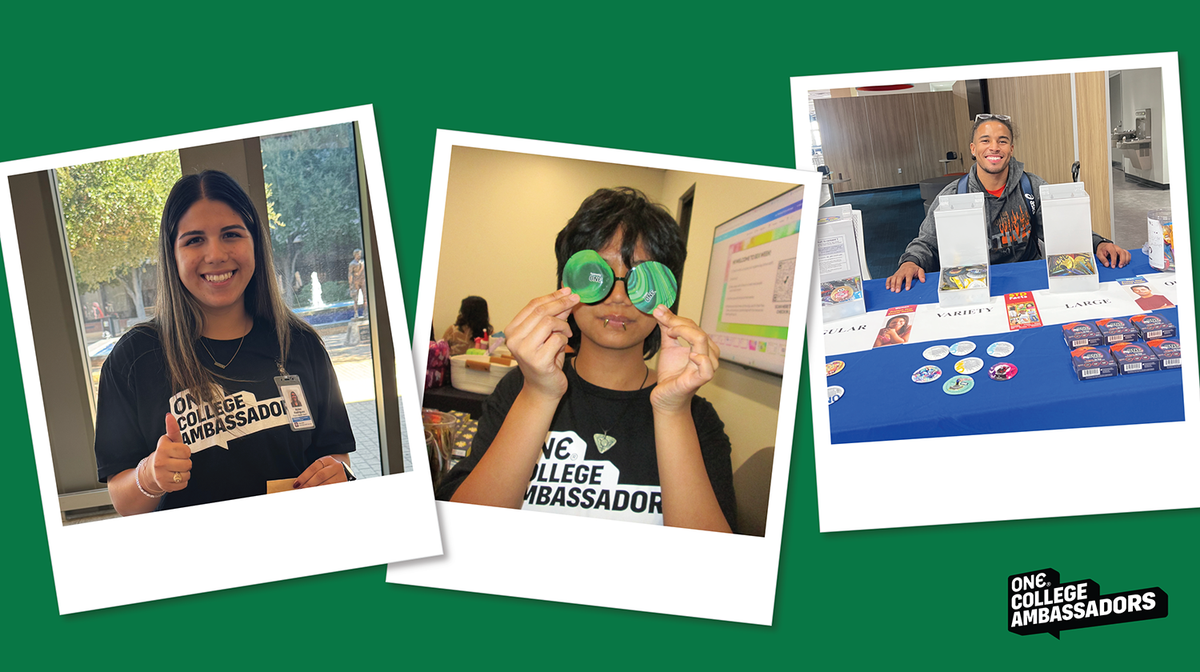
Two Years of Peer-Led Sex Ed: Celebrating the ONE® College Ambassador Program
Celebrate two years of the ONE® College Ambassador Program and the student leaders making sexual health edu...
Share:
I didn't get my reward. What should I do?
How do I change my Momentum® password?